Tropical gradient generator for Figma
Create a tropical gradient generator built for Figma. This page gives you a ready-to-use color system, export code, and a live gradient preview — no design tools required.
Color palette
Tropical gradient generator for Figma explained
The tropical gradient generator for figma pairs #818CF8 as its primary hue with #6770c6 as the accent. The palette is balanced for tropical aesthetics while keeping text readable against the surface color.
Every swatch is derived from the same two anchor colors, so the gradient generator stays harmonious across backgrounds, borders, buttons, and hover states. Copy the CSS below or open it in Figma and apply it immediately.
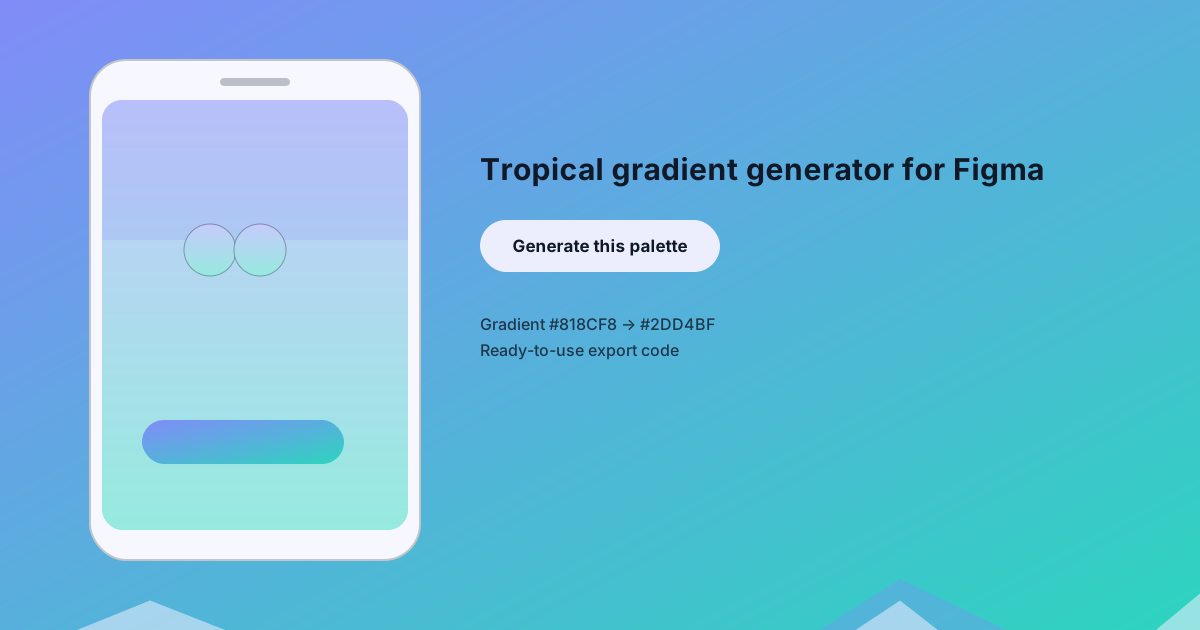
Use the preview image as a starting point for your own mockups. It shows the exact #818CF8 → #2DD4BF gradient applied to a phone screen, a primary button, and a wave pattern so you can see how the tropical look plays out in a real interface.
Export code
/* CSS Custom Properties */
:root {
  --background: #eceefe;
  --surface: #f6f7ff;
  --text-primary: #111827;
  --text-secondary: #747888;
  --primary: #818CF8;
  --secondary: #2DD4BF;
  --accent: #6770c6;
}

/* Tailwind CSS config (extend.colors) */
module.exports = {
  theme: {
    extend: {
      colors: {
        'background': '#eceefe',
        'surface': '#f6f7ff',
        'text-primary': '#111827',
        'text-secondary': '#747888',
        'primary': '#818CF8',
        'secondary': '#2DD4BF',
        'accent': '#6770c6',
      }
    }
  }
};